










Tuba City Unified School District ParentSquare Portal Information
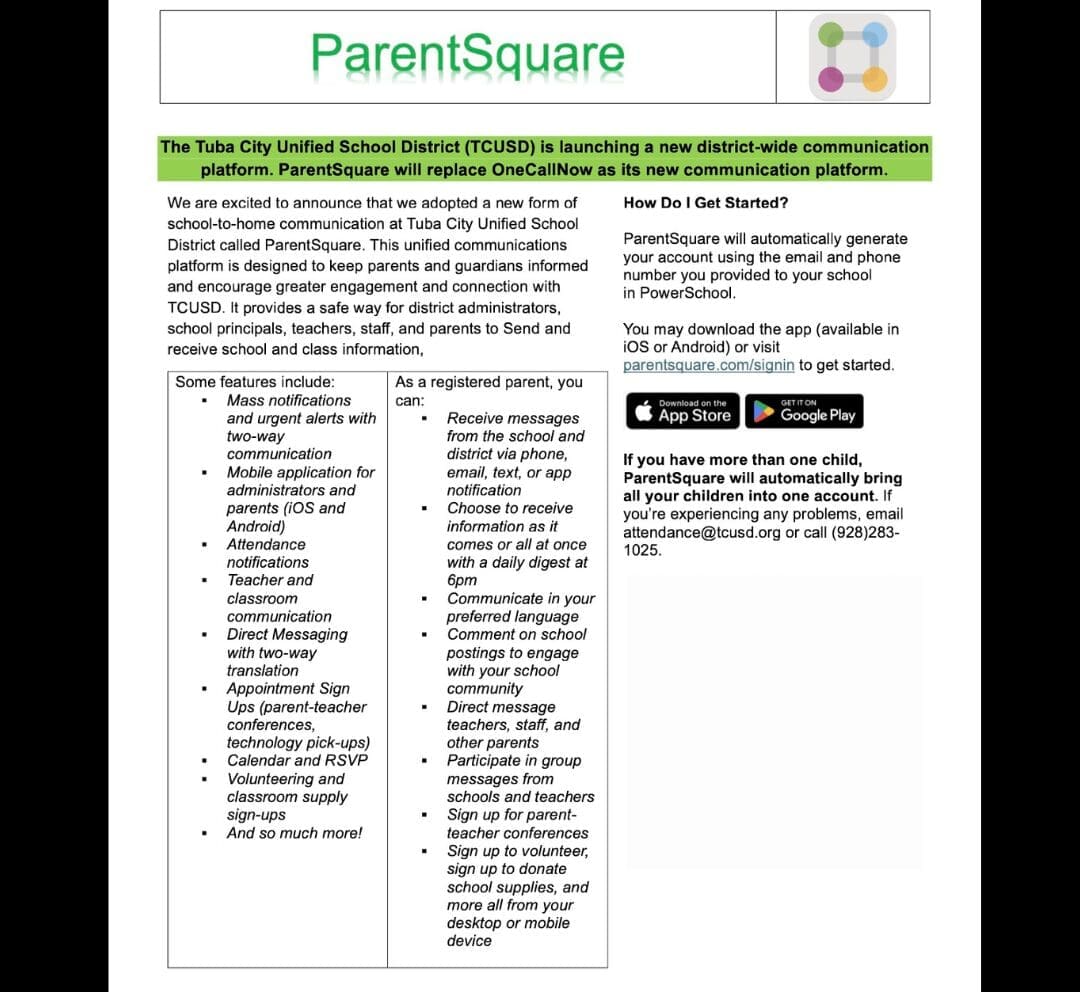
Overview for Parents & Guardians
Frequently Asked Questions (FAQ)
╋ What is Parent Square and how will it benefit parents?
ParentSquare is our district’s official communication platform that brings all school and district messages into one place. With ParentSquare, you can receive alerts, updates, and reminders by email, text, app notification—or however works best for you.
╋ How do I signup?
Good news—you don’t have to! ParentSquare automatically generates your account using the email and phone number you provided to your school. You may download the app (available in iOS or Android) or visit parentsquare.com/signin to get started and follow the prompts to sign up.
If you have more than one child, ParentSquare will automatically bring all your children into one account.
- Go to www.parentsquare.com/signin
- Type in the email address or phone number you use for Poweschool Parent Portal in the “Register” box, then click “Get Started”. Your email/phone number must match the contact details in the school database for this to work.
- Check your email to click the confirmation link provided and activate your account OR enter the verification code sent through text message if you used a phone number.
- Lastly, verify students listed in your account by clicking “Confirm”.
If your contact details aren’t recognized, contact your attendance@tcusd.org to get them added. After they update your information in their database, the new contact details will appear in ParentSquare after the next daily sync, and you will be able to create an account.
Note: After you are added to ParentSquare by your school, you will receive school communication even if you have not registered your account. However, you will need to register your account to participate in two-way communications and to access any confidential student-specific documents or forms.
╋ What if I can’t login?
Just use the email or phone number you gave the school to sign in. If you need help, please click “Forgot Password” on the sign-in screen, or log in to your (link to https://tcusd.powerschool.com/public/home.html) PowerSchool Student & Parent Portal to make sure we have the correct contact information on file.
Please allow 24 hours for all updates to go through our system.


Tuba City Unified School District Alerts
This notice area is intended to keep families up-to-date with school closures or events that affect your students attendance. Please check here regularly for updates.

One Call Now is a service provided by TCUSD to quickly contact families to share information about topics such as emergencies and reminders of upcoming events. All messages found here have already been sent to your cell phone if you are set up to receive One Call Now messages. If you are not set up to receive messages, please contact your child’s school for information. To listen to the messages on this web page, click the green speaker icon (if one is available). A .wav file will be downloaded which will play in your default media player
Tuba City Unified School District Alerts
This notice area is intended to keep families up-to-date with school closures or events that affect your students attendance. Please check here regularly for updates.

One Call Now is a service provided by TCUSD to quickly contact families to share information about topics such as emergencies and reminders of upcoming events. All messages found here have already been sent to your cell phone if you are set up to receive One Call Now messages. If you are not set up to receive messages, please contact your child’s school for information. To listen to the messages on this web page, click the green speaker icon (if one is available). A .wav file will be downloaded which will play in your default media player